

Quick Answer: AI for financial forecasting in small business means using software that reads your accounting data and automatically predicts future revenue, expenses, and cash flow, instead of a manual spreadsheet updated by hand every month.
Running a small business on guesswork is exhausting. Every month you’re stuck redoing formulas, hoping the numbers hold up, and finding errors only after they’ve already cost you money. This is the exact gap AI for Financial Forecasting in Small Business is built to close.
AI for Financial Forecasting in Small Business changes this completely. Instead of manually rebuilding a spreadsheet, your data updates itself and quietly shows you what’s coming before it happens.
Why Traditional Forecasting Is Failing Small Businesses

Traditional forecasting fails because it depends on manual data entry into spreadsheets, which introduces formula errors, outdated numbers, and blind spots that only show up once cash flow problems have already started.
A single wrong formula in Excel can silently throw off months of projections. Add in the fact that most owners only update their sheet once a month, and AI for Financial Forecasting in Small Business starts to look less like a luxury and more like basic protection.
The Core Difference: AI vs. Manual Spreadsheet Forecasting
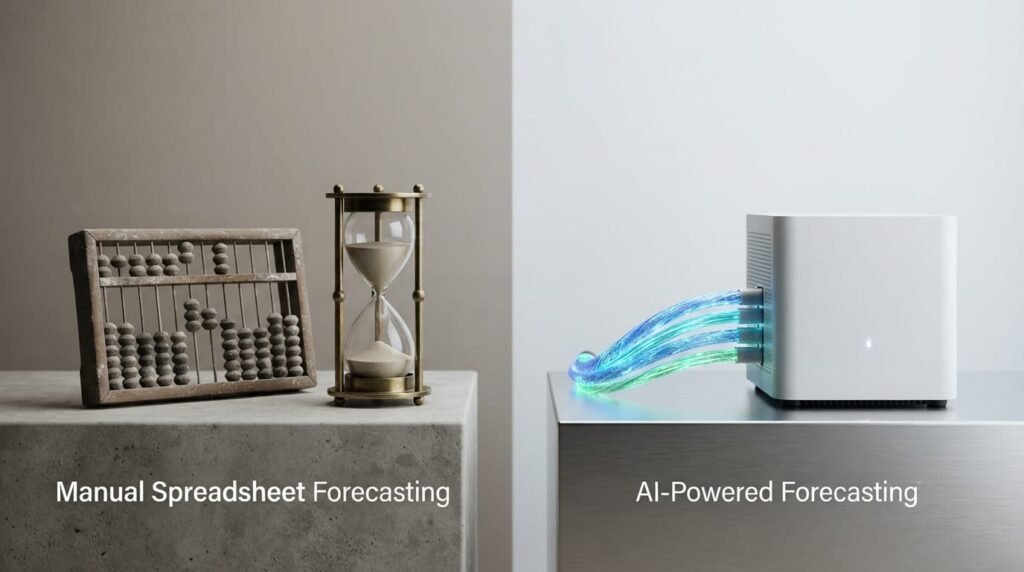
The core difference between AI and manual forecasting is that AI processes live transaction data continuously and adjusts predictions automatically, while spreadsheets only reflect whatever numbers were manually typed in last.
| Factor | Manual Spreadsheet | AI Powered Forecasting |
| Speed | Hours per update, done manually | Real time updates as new data arrives |
| Scalability | Breaks down as data volume grows | Handles growing transaction volume easily |
| Accuracy | Prone to formula and copy paste errors | Learns patterns, flags anomalies automatically |
This is exactly why more small businesses are shifting toward AI for Financial Forecasting in Small Business: the tool improves the moment your bank feed updates, not once a month when someone finally opens the file.
How to Prepare Your Financial Data for AI (The “Data Hygiene” Guide)

Data hygiene means cleaning and organizing your financial records before feeding them into any AI tool, since messy or duplicate transactions will produce inaccurate forecasts no matter how advanced the AI model is.
This is the step most guides skip, and it’s exactly why so many small businesses get disappointing results from AI for Financial Forecasting in Small Business. Garbage in genuinely means garbage out here.
Data Categorization: Cleaning Your Bank Transactions
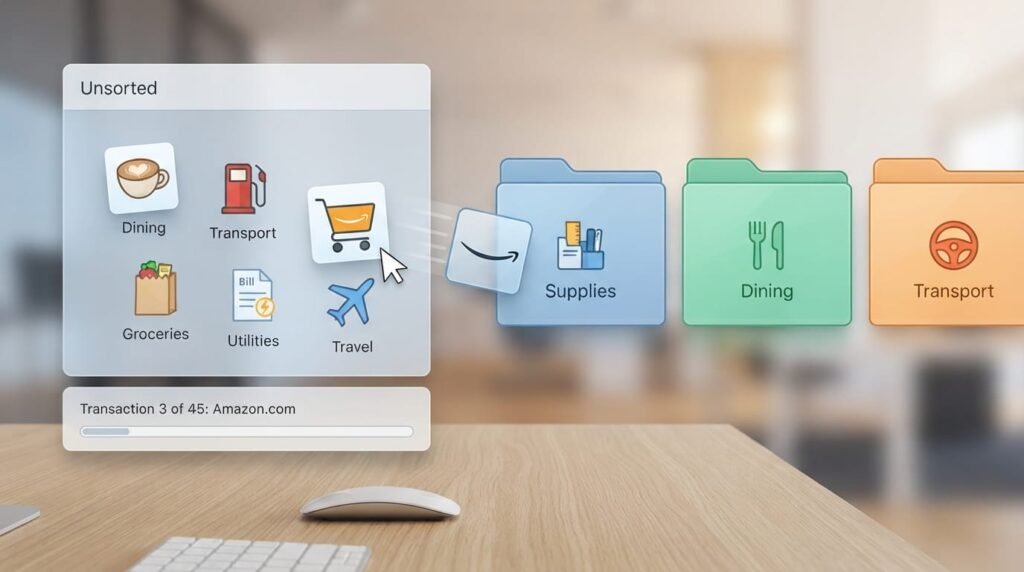
Go through your last three months of transactions and make sure every entry has a clear, consistent category. Vague labels like “Misc” or “Other” confuse AI models and weaken the accuracy of every prediction built on top of them.
- Merge duplicate vendor names (e.g., ‘Amazon’ and ‘AMZN Mktp’ should be one category).
- Separate one time expenses from recurring ones so patterns aren’t distorted.
- Flag and correct any transactions sitting in a generic ‘Uncategorized’ bucket.
Integrating Siloed Data

If your sales data lives in one tool and your expenses live in another, the AI never sees the full picture. Connect these sources into a single system before forecasting, so nothing important gets missed.
For a deeper walkthrough of this exact clean up process, our skill up with The Dollar Tech courses program covers it step by step.
Implementing AI Powered Forecasting: A Step by Step Workflow
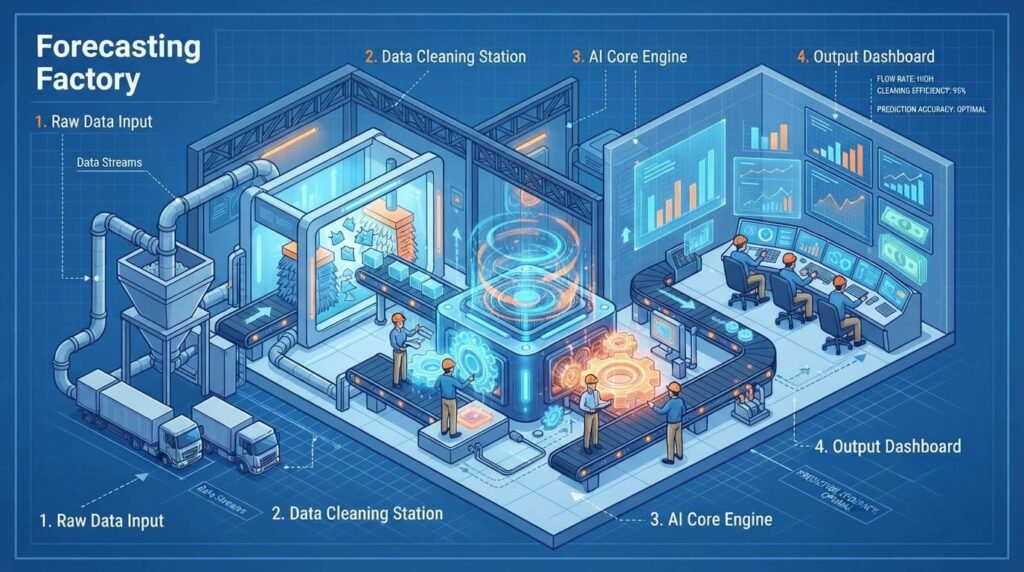
Implementing AI powered forecasting is a three step workflow: choosing a tool sized for your business, connecting your accounting software so data flows automatically, and defining specific what if scenarios you want answered.
This workflow is the practical core of AI for Financial Forecasting in Small Business, and skipping any one of these three steps usually leads to disappointing, low accuracy forecasts.
1. Selecting the Right Tool

Match the tool to your transaction volume and team size, not brand popularity. A tool built for hundreds of monthly transactions will feel bloated and slow for a five person shop processing twenty.
2. Connecting Your Accounting Software
Most modern AI forecasting tools connect through an API to platforms like QuickBooks or Xero, pulling transaction data automatically instead of requiring manual exports every week.
3.Defining Your “What If” Scenarios

Set up specific questions the AI should answer, like ‘What happens to cash flow if I hire two more staff in Q3?’ Specific scenarios produce far more useful forecasts than generic ones.
4. Reviewing the First Output
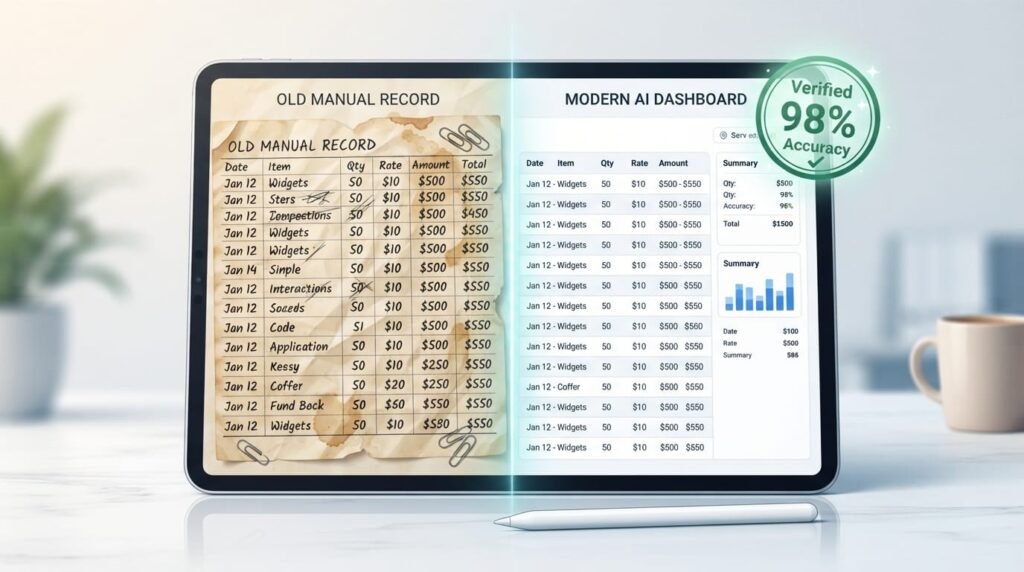
Assess the initial AI generated forecast by checking it against the actual bank balance recorded from the previous month.Any gap larger than 10 percent usually means a data mapping issue, not a forecasting error.
5. Setting a Review Cadence

Decide upfront whether you’ll check forecasts weekly or monthly, and stick to it, since irregular reviews are the most common reason small businesses abandon AI forecasting within the first quarter.
A Real Scenario Model Example
Here’s what a simple what if comparison actually looks like once your data is connected. This table shows three scenarios run against the same starting business, so you can see how the AI adjusts projected cash flow based on different decisions.
| Scenario | Monthly Revenue | New Expense | Projected Cash Flow (Month 3) |
| Baseline (no change) | $18,000 | $0 | +$6,200 |
| Hire 1 part time staff | $18,000 | $2,200/mo | +$1,400 |
| Launch new product line | $22,500 | $3,000/mo | +$4,700 |
Notice how hiring staff dips cash flow more than launching a new product line, even though both add roughly the same monthly cost. Unlike static spreadsheets, AI financial forecasting provides the dynamic, side by side data visualization that small business owners need to gain actionable insights.
Technical Integration: How QuickBooks/Zero API Connections Actually Work

Behind the simple “Connect Your Account” button, three technical steps are happening, and each one has a common point where the sync can quietly break. Understanding these helps you troubleshoot faster instead of assuming the AI itself is wrong.
| API Integration Step | What It Does | Common Failure Point |
| OAuth Authorization | Grants the AI tool secure, read only access to your books | Token expires and silently breaks the sync after 90 days |
| Chart of Accounts Mapping | Matches your account categories to the AI tool’s structure | Custom account names don’t map automatically and need manual review |
| Historical Data Pull | Imports past transactions to train the forecasting model | Pulling less than 6 months of history weakens seasonal accuracy |
If your forecast suddenly looks wildly inaccurate, check the sync status before blaming the AI model. Most “AI got it wrong” complaints actually trace back to an expired authorization token or a miscategorized account, not the forecasting engine itself.
The “Human in the Loop” Strategy: Minimizing Risk

Human in the loop means a real person reviews and approves AI generated forecasts before major decisions are made, rather than trusting the output blindly, since even good AI models can misread unusual data patterns.
Never treat AI output as final. Build a simple verification protocol: check any forecast that shifts dramatically from last month’s numbers, and confirm the underlying data behind it actually makes sense before acting on it. This single habit keeps AI for Financial Forecasting in Small Business trustworthy instead of risky.
How to Spot AI Hallucination in Financial Reports
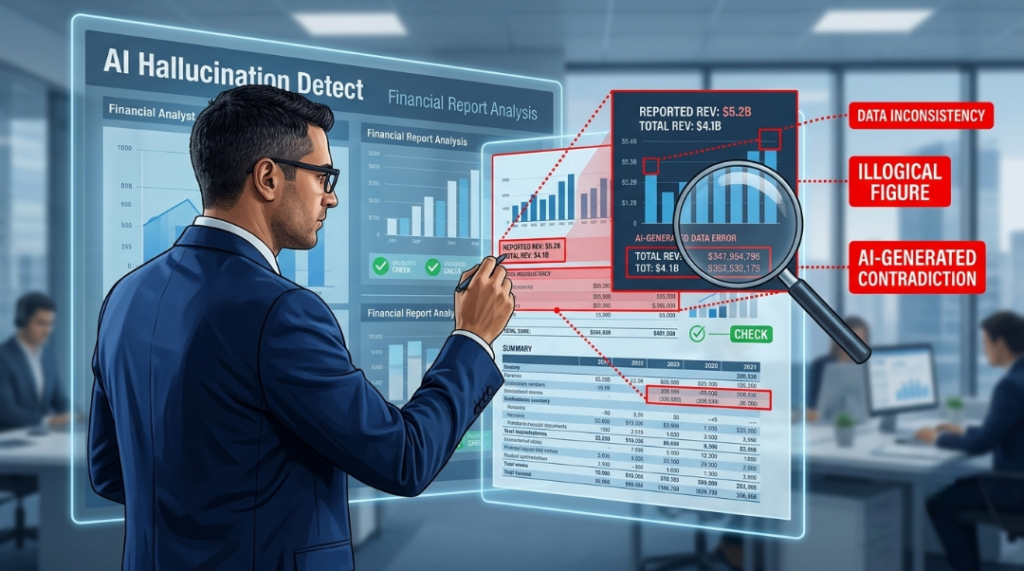
If a forecast shows a sudden, unexplained spike or drop with no matching real world event, treat it as a red flag. Cross check it against your actual bank statement before trusting the number in any AI for Financial Forecasting in Small Business system.
A Simple Weekly Verification Routine
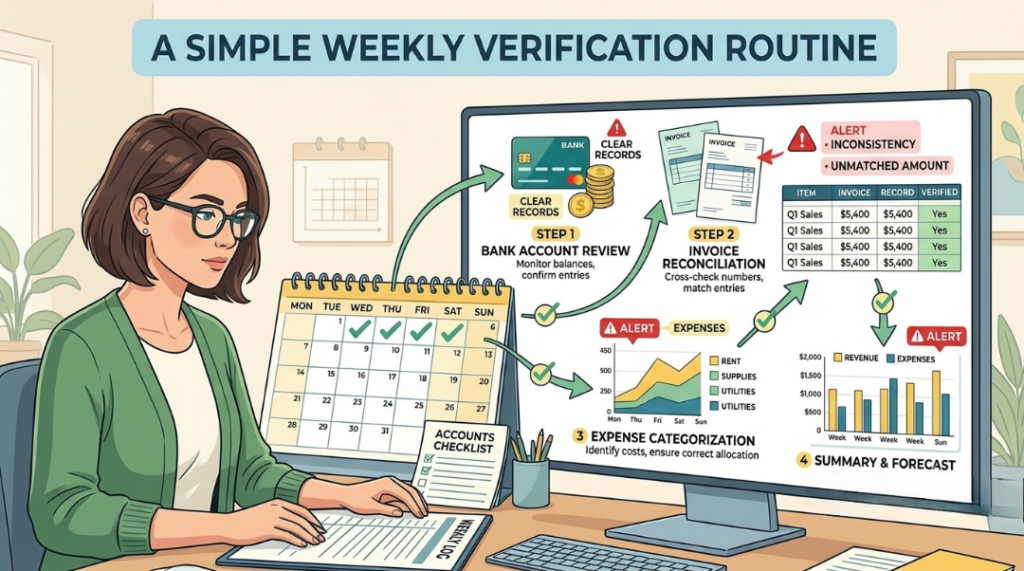
Set aside fifteen minutes every Monday to compare last week’s forecasted numbers against what actually happened. Small, consistent gaps are normal; large recurring gaps mean your data mapping needs another look.
- Check that projected revenue landed within 10 percent of actual revenue.
- Confirm any flagged anomaly had a real, identifiable cause behind it.
- Note recurring gaps in a simple log so patterns become visible over time.
Common Pitfalls & How to Avoid Them
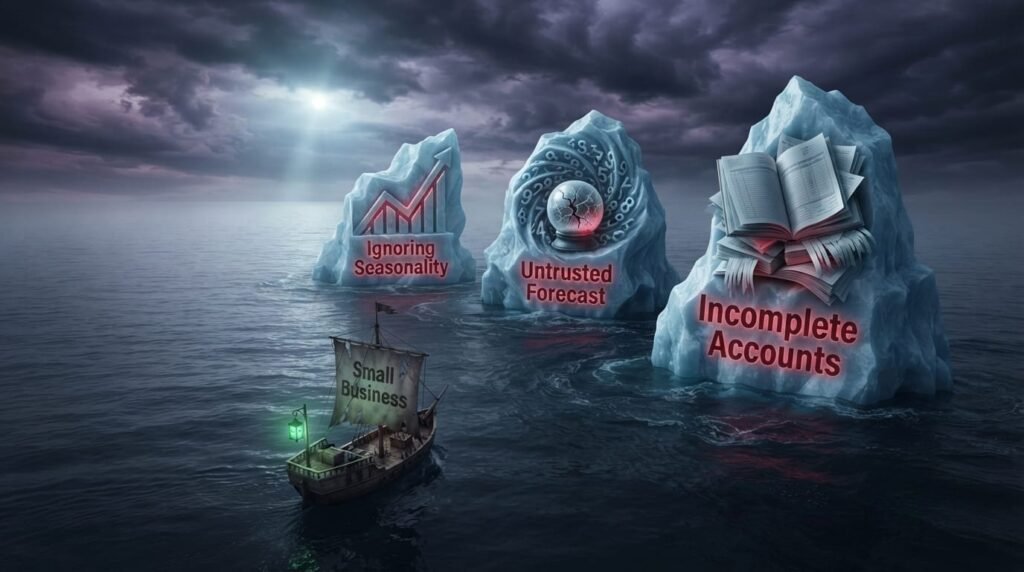
The most common pitfalls with AI financial forecasting are trusting an unverified forecast for a major decision, connecting the wrong bank accounts, and assuming the tool works the same across every industry without adjustment. Avoiding these is central to getting real value from AI for Financial Forecasting in Small Business.
- Over Trusting Early Forecasts: A model needs at least a few months of clean data to become reliable. Treat the first month’s output as a rough draft, not gospel.
- Connecting Incomplete Accounts: If you have a business savings account or a second payment processor not connected, your forecast will be systematically wrong until every source is linked.
- Ignoring Seasonal Businesses Need Extra History: A retail or hospitality business needs at least twelve months of data connected, since shorter windows miss seasonal swings entirely.
- Letting the Tool Run Unsupervised: Even the best AI for Financial Forecasting in Small Business still needs a human checking output monthly, especially before big spending decisions.
Industry Specific Use Cases
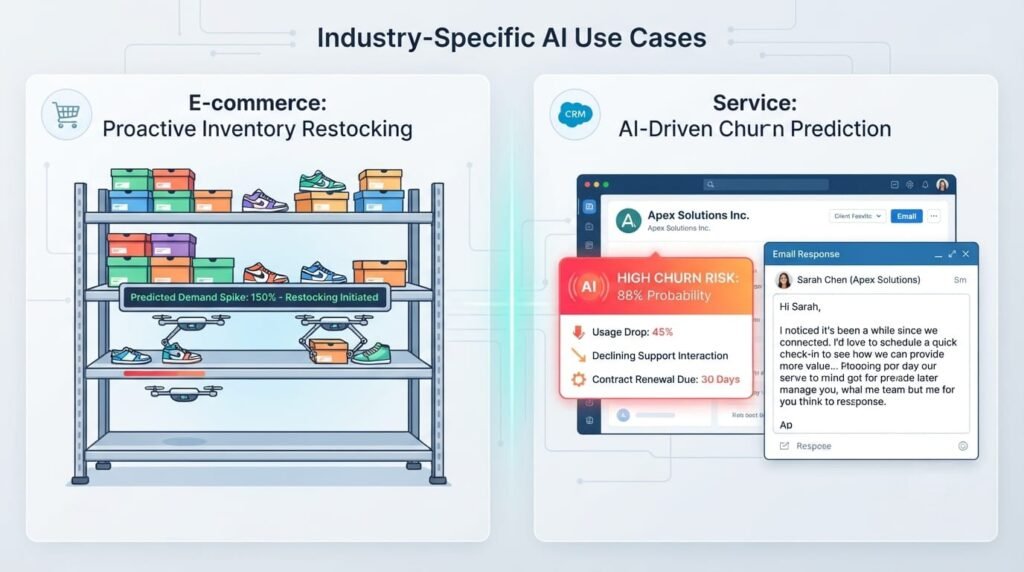
In small business finance, industry specific use cases for AI include generating automated 13 week rolling cash flow projections and instantly running “what if” scenario models to assess sudden market changes. These tailored systems bypass manual ledger data cleaning to continuously spot cash flow anomalies, providing founders with a real time roadmap for strategic decision making.
Ecommerce: Inventory Forecasting

AI can predict which products will sell out based on seasonal patterns and past demand, helping you reorder stock before you run out, instead of losing sales to an empty shelf.
Service Based Businesses: Subscription Revenue Forecasting
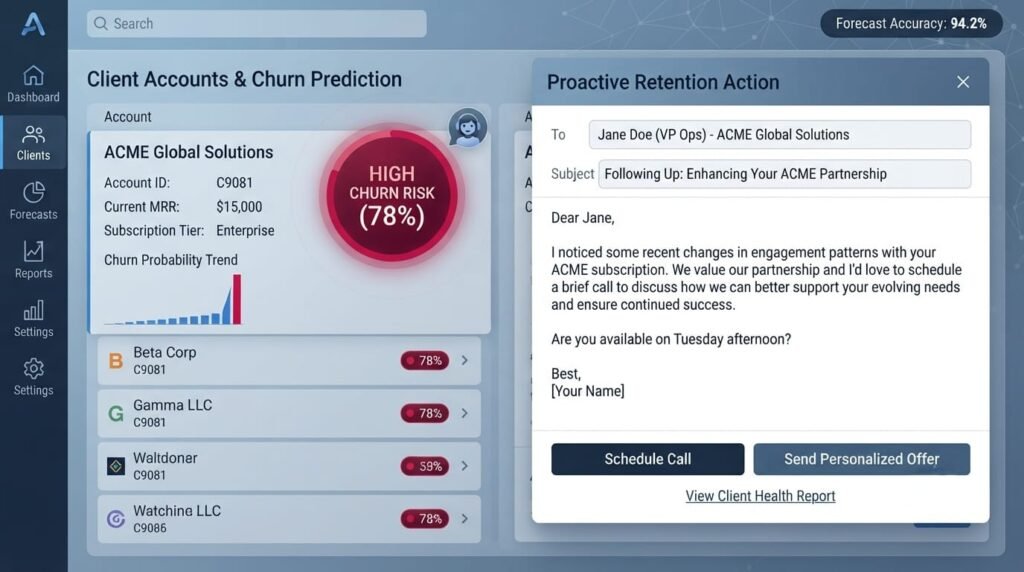
For subscription or retainer based businesses, AI can predict churn risk and project recurring revenue months ahead, giving you time to react before a client actually cancels.
Choosing Your Tool: The Action Plan

Choosing the right forecasting tool comes down to matching your business size and complexity against three broad categories, each with clear trade offs between cost, depth, and ease of setup.
| Tool Category | Pros | Cons |
| Built In Accounting AI Add ones | Native integration, no extra login, lower cost | Limited scenario modeling, fewer customization options |
| Standalone AI Forecasting Platforms | Deep what if modeling, industry templates, stronger analytics | Requires separate setup and a learning curve |
| Enterprise Grade AI Suites | Handles high transaction volume, multi entity forecasting | Overkill and costly for a small, single location business |
Most single location small businesses do best starting with a built in accounting add on, then upgrading to a standalone platform only once monthly transaction volume consistently exceeds a few hundred entries.
Addressing Data Privacy and Compliance in 2026

Data privacy compliance means ensuring any AI forecasting tool handles your financial data according to regulations like GDPR and local data protection laws, with clear policies on where your data is stored and who can access it.
Before connecting any tool to your accounting software, confirm it offers encrypted data storage and lets you delete your data on request. This single check protects your AI for Financial Forecasting in Small Business setup from most compliance headaches later.
If your business also uses personalized marketing alongside financial planning, our related guide on Hyper Personalization Strategies covers how to handle customer data responsibly in that context too.
Future Proofing: Scaling Your Business with Predictive Insights

While manual spreadsheets might manage minimal daily activity, they quickly become unmanageable as your business scales; in contrast, AI financial forecasting is built to handle the heavy lifting of high transaction growth.
Revisit your tool choice every year as your transaction volume grows. A setup that worked perfectly at fifty transactions a month often needs a tier upgrade once you cross a few hundred, so build that review into your annual planning.
Frequently Asked Questions (FAQ)
Is AI financial forecasting accurate for a very small business?
Yes, as long as your data is clean. Accuracy depends far more on data hygiene than on business size, so even a two person business can get reliable forecasts with properly categorized transactions.
Is a high level of technical expertise required to implement this?
No. Most tools connect to your existing accounting software with a few clicks, and the setup process is built for business owners, not developers.
How often should I review AI generated forecasts?
Review weekly for cash flow, and monthly for longer term projections. This keeps the human in the loop check consistent without creating extra daily work.
What’s the biggest mistake first time users make?
Connecting only their main checking account and forgetting savings accounts, credit lines, or a second payment processor, which quietly skews every forecast until the full picture is linked.
Start small. Clean up one month of transactions, connect your accounting software, and run your first AI generated forecast this week. Consistent, accurate AI for Financial Forecasting in Small Business is built one clean data set at a time.
For a structured, step by step path to mastering this system properly, our skill up with Dollar Tech courses program is built exactly for busy owners.